With support solutions for the home and office, My Computer Works is here to help you get back to your life.
Can You Change A Windows Taskbar Location?
Article Summary
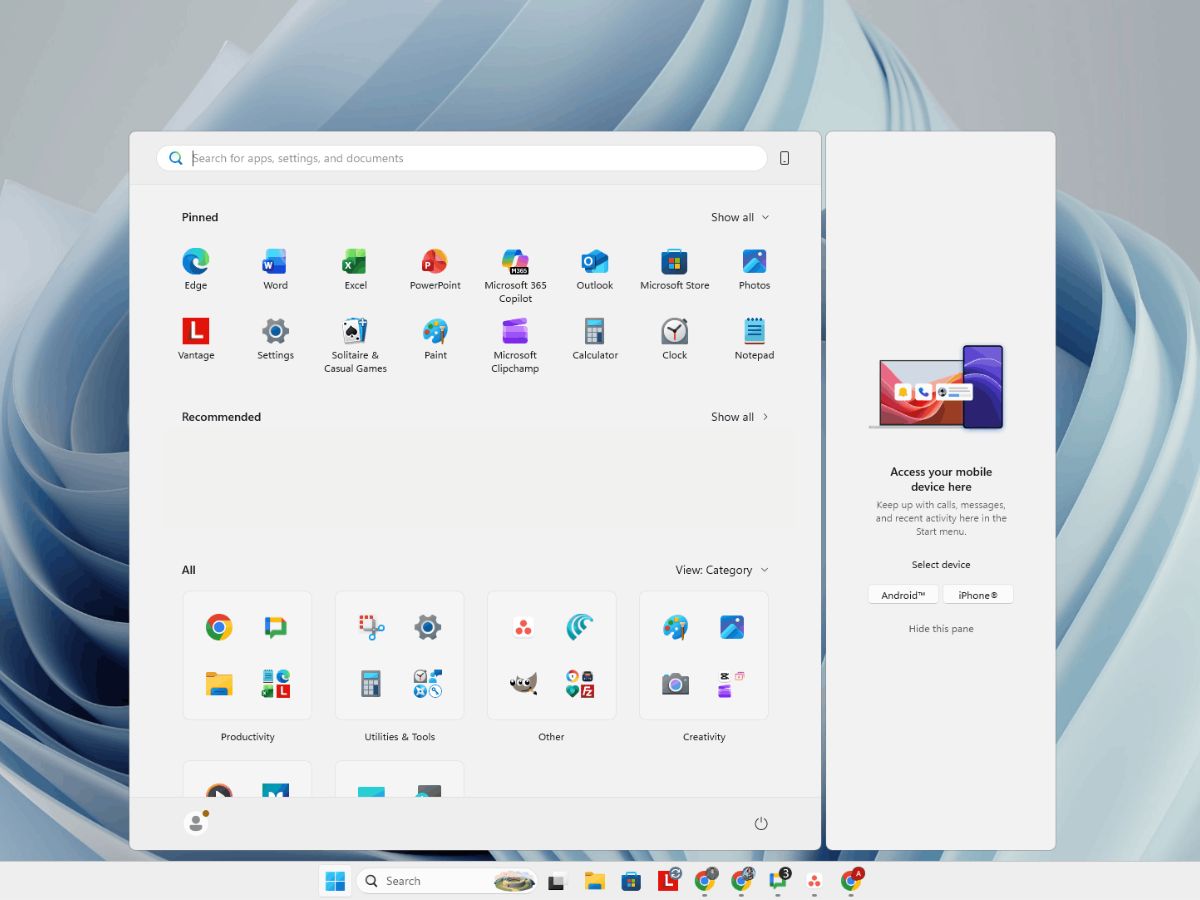
- Taskbar location move: So, can you currently move the taskbar on your desktop to the new Windows 11? No, Microsoft decided to remove this setting and opted for fewer custom settings and a simple design.
- Users’ frustration with the change: Since the taskbar location could be customized for 30 years, many people are frustrated that it’s gone.
- Will Microsoft be adding this customization feature back? Windows is rumored to be bringing customization back after many users requested it and shared frustrated feedback; it seems they are listening and will add it back.
- Customization questions: My Computer Works has a professional team ready to support users and answer any questions about customizing taskbars.
So you updated your computer to Windows 11, and everything seems to be in order, except for one thing. That one thing, being the Windows taskbar, seems to be permanently locked to the bottom of the screen. When this becomes apparent, many users quickly start searching for how to change the Windows taskbar location.
For many years, Windows users could customize their desktops and place their taskbar at the top, left, right, or bottom of their screens. In today’s blog, our team is sharing what you need to know about the changes to the fixed taskbar location and whether Windows plans to allow customization in the future.
Can You Move the Windows Taskbar in Windows 11?
When Windows 11 launched, Microsoft showcased the taskbar with a simpler layout and fewer customization options.
From Windows 95 through Windows 10, users could drag the taskbar to the top, left, right, or bottom of the screen. This flexibility made the feature a normal part of many desktop setups. So, if you recently updated and are trying to move the taskbar in Windows 11 or adjust the Windows 11 taskbar position to match your previous setup, you may notice the option is gone.
Because of this, many users like you are wondering why they can’t move the taskbar in Windows 11, especially since the feature has existed for 3 decades. The reason for this change is simple, even if it’s not what you want to hear. The design change was meant to modernize the interface and make it easier to maintain across devices and screen sizes.
Unfortunately, this redesign means that Windows taskbar customization options are more limited than in earlier versions, and not being able to move it isn’t the only downside. However, you can still adjust some setting choices, such as icon alignment or notification preferences.

Why This Windows Taskbar Customization Change Frustrated Users
Some users may be wondering what the big deal is and why other users are so frustrated by the removal of such a small feature. While it may seem small, it has surprisingly played a large role in how many users work on their computers daily.
You see individual users develop habits around where certain menus appear and where they look for open programs. So, with this in mind, here are some reasons why users preferred to have the customization of the taskbar’s placement:
- Vertical taskbars save a lot of horizontal space on their screens, especially if an individual is using a wide monitor.
- Top-mounted menu bars are often considered more natural because many applications place options like File, Edit, and View at the top, aligning with the natural reading flow and making them easier to scan.
- Users with multi-monitor setups often benefit more from flexible taskbar placement across displays, where it’s the easiest to access.
Microsoft Has Listened to Users and is Adding this Customization Feature Back
You can breathe easy. Microsoft heard its users and is rumored to be listening to the community. Microsoft seems to be currently working to restore some of the flexibility and customization users had in earlier versions of Windows.
Some of the most anticipated updates are expected to allow users to:
- Resize the taskbar to accommodate different screen sizes.
- Place the taskbar at the top of the display.
- Place the taskbar on the left or right side of the display.
Ultimately, these updates suggest that the Windows movable and resizable taskbar may soon return. Reports and Microsoft’s recent updates restoring some taskbar features have fostered hope since they suggest Microsoft may restore movable and resizable taskbars in future Windows 11 updates, possibly in 2026.
However, the company has not officially confirmed a release timeline or solid plans surrounding this feature’s future.
My Computer Works Can Help You With Windows Customization Questions
There is nothing worse than a sudden change when it comes to something we’ve grown accustomed to for years. Unfortunately, the removal of the Windows taskbar location capabilities felt like a major negative for some users.
However, it’s not all doom and gloom, especially considering Windows might bring it back in the near future. And, even if they don’t, there are still ways you can customize your taskbar, and we can help at My Computer Works.
Whether you need help with Windows taskbar customization, troubleshooting settings, or even Remote PC Repair, our technicians can guide you through the process. So, give our friendly team a call today!