With support solutions for the home and office, My Computer Works is here to help you get back to your life.
Should You Always Update Your iPhone To The Latest iOS Version?
Article Summary
- Security updates are always a priority for your iPhone: You should install iOS security updates as soon as you can. They fix exploitive security issues and help keep your personal information safe.
- You can usually wait a little longer for major updates: You can usually wait a little longer before installing major updates, since they often introduce new features that may come with early bugs or performance issues. Waiting a week or two can help avoid problems.
- Older iPhones may struggle: Newer devices can easily handle updates, but older ones may have changes in battery life or speed, which makes timing more important.
- Apps need the most recent version of iOS: Apps may stop updating or working properly if you fall too far behind on updates, and security risks may rise.
- The best approach is to strike a balance: Enable automatic security updates, but update major iOS versions manually only when you want to.
So, should you update your iPhone’s iOS right away or wait until later? It’s a good question to ask, especially since updates seem to happen often and aren’t always urgent. If you’re asking: ‘Should I update to the latest iOS when the alert appears?’ you’ve come to the right place. At My Computer Works, we often help customers make these choices by providing practical, real-world iPhone iOS update advice to help them manage updates. Let’s dive into things.
Why iOS Updates Matter: iOS Updates Explained
You’re likely wondering: ‘Should I always update my iPhone?’ The answer is a little more complex than you might expect. So, let’s first look at why you should update, because, believe it or not, it does matter:
Security Fixes Are the Biggest Reason to Update
Security is the most important reason to install iPhone software updates. iPhone and iOS security updates regularly include Apple security patches that address vulnerabilities. In many cases, these patches address real-world attacks already underway.
Delaying updates increases exposure to iPhone security vulnerabilities, including malware, spyware, unauthorised access, and data theft. For this reason, when Apple labels an update as security-related, it should be installed as soon as you can.
So, if you’re asking: ‘Is it safe to delay iOS updates?’ The answer depends on the update type. Security updates should never be delayed; feature-only releases may allow some flexibility to delay an update, but not the latest versions of security updates.
Protection for Your Personal Data
Your iPhone contains a lot of private information. So much, in fact, that many view their iPhones as an extension of themselves, since the devices store data such as messages, photos, passwords, payment information, and location history.
Your device may be using old protection protocols and software if you don’t update it. Keeping your iPhone up to date helps protect your iPhone data and lowers the risk of it being exposed over time.
Apple, of course, keeps making iPhone privacy updates stronger by adding better encryption, clearer permissions, and less tracking, so your data is safe. However, you also need to ensure the updates are granted permission to install on the device, so make sure you check this.
Compatibility Depends on iOS Versions
Apps change as iOS does, as the two generally always evolve together. Developers make new features and fix bugs in current systems, not older ones. Because of this, app compatibility with iOS becomes a problem when devices get old and can’t keep up.
In many situations, apps may stop getting updates, lose features, or act in ways that are hard to predict over time. Not to mention, when apps stop getting updates, the risks to security go up quickly. That’s why it’s important to update to stay compatible and upgrade when you cannot.
Should I Wait to Update iOS? When You Might Want to Wait
It’s important to keep your software up to date, but you don’t always need to install every major release right away, as we have said already. Here’s why you might want to wait a little while:
New Major Releases Can Have Bugs
Major annual updates introduce extensive changes. Even with thorough testing, early versions can include iOS update bugs, such as Bluetooth issues, Wi-Fi instability, or app crashes.
Additionally, you may sometimes experience temporary iOS update performance problems shortly after release, but Apple usually resolves these performance issues very quickly.
Older iPhones May See Performance Changes
Many people worry whether iOS updates slow down iPhone models, and those with older models, especially, are concerned.
We want to be honest, so you should know that although Apple is working to improve update performance across all devices, older iPhone iOS versions may see a gradual decline. Eventually, this gradual decline leads to incompatibility issues, and then it may be time to upgrade.
What if I Don’t Want to Update from iOS 18 to a Newer Version?
It’s important to know that you don’t have to update right away. You can stay protected without rushing into a new version by taking a careful approach. A good option is to turn on automatic iOS security updates while leaving automatic major updates turned off. This way, critical protections are applied as soon as they’re available, while larger feature updates have time to become more stable, and you can wait until you’re ready.
How to Update Your iPhone Safely
Following iPhone update best practices can help keep your data secure and prevent failed installations. Before you update:
- Use iCloud or a computer to make a backup of your iPhone.
- Plug it in or make sure the battery is at least 50% full.
- Make sure there is enough space to store it.
- Before you do anything else, update your apps to ensure the process isn’t slowed down.
With this in mind, you can complete the following steps to update your iPhone:
- Go to ‘Settings’
- Navigate to ‘General’
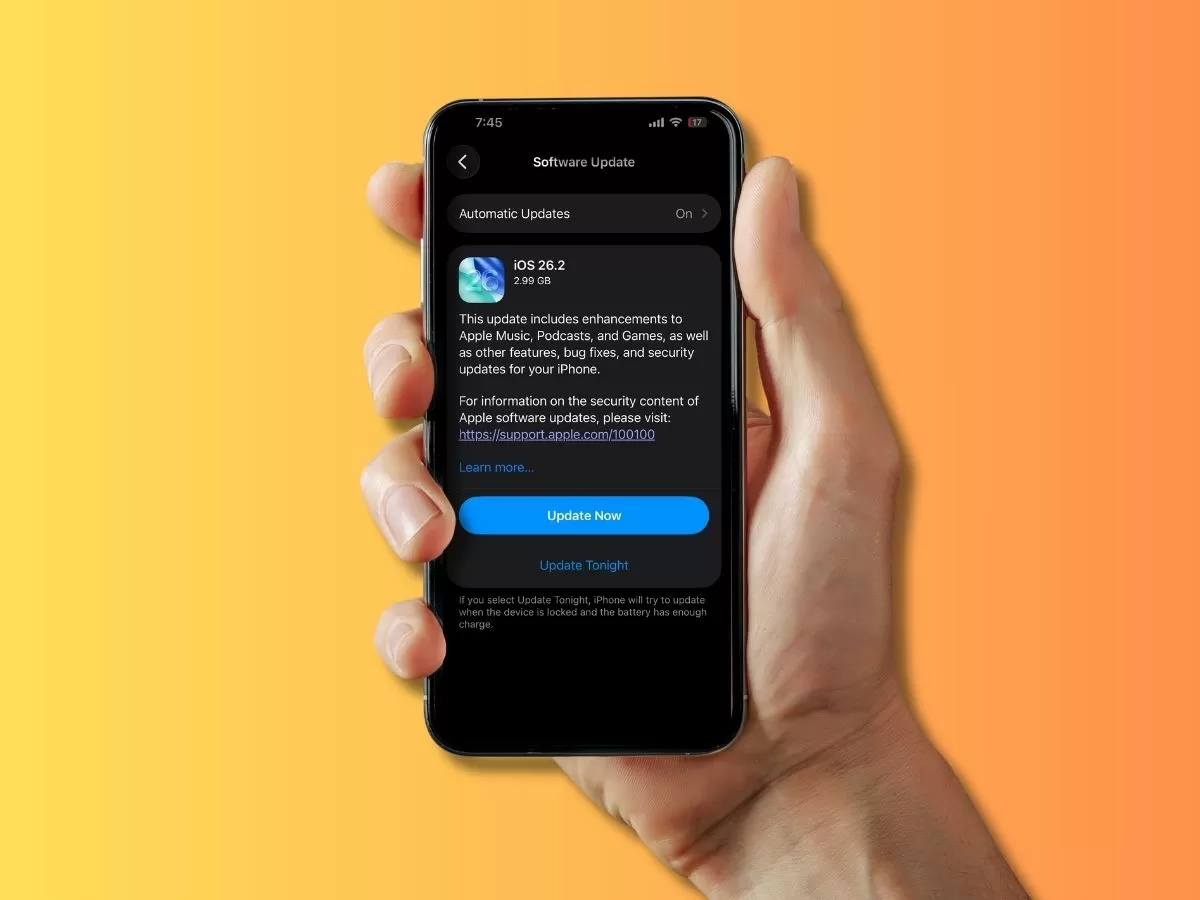
- Click ‘Software Update’
By following these steps, you will install the latest iOS version.
Enable Automatic Updates (With Awareness)
Automatic updates are especially useful for fixing security holes because you can rely on the fact that your security software is always up to date. As noted earlier, enabling security updates while manually approving major releases provides flexibility without sacrificing protection on your phone.
Should I Update to iOS 26? The Wrap-Up
In most cases, yes, you should update to future iOS versions, especially for security updates.
To protect your privacy and data, maintain optimal app functionality, and reduce the risk of a security breach, staying up to date with security updates is essential. However, at least you have some flexibility with feature updates, so you can delay them as needed.
If you have questions about the update process or need to upgrade and would like advice, you can speak with us at My Computer Works.